Twice the catalog, same search box
Starting with v11.5, Lemonade supports ModelScope as a model registry alongside Hugging Face. Search it the same way you search Hugging Face — right from the Model Manager — and download models from whichever registry has what you need. This matters most for users in regions where ModelScope mirrors are significantly faster, and for models that publish to ModelScope first.
There's nothing to set up — no accounts, no extra configuration. Type a name, browse the GGUF variants, and hit download.
And you won't waste a download on an empty repo. Before a result earns a download button, Lemonade inspects the repository's actual file tree and only shows repositories with downloadable GGUF variants.
Take it for a spin
Open the Lemonade app (or the web app at http://localhost:13305/app) and head to the Model Manager. Start typing — Qwen 2.5, say. After three characters the search goes live, and two new sections appear below your local models: FROM HUGGING FACE and FROM MODELSCOPE.
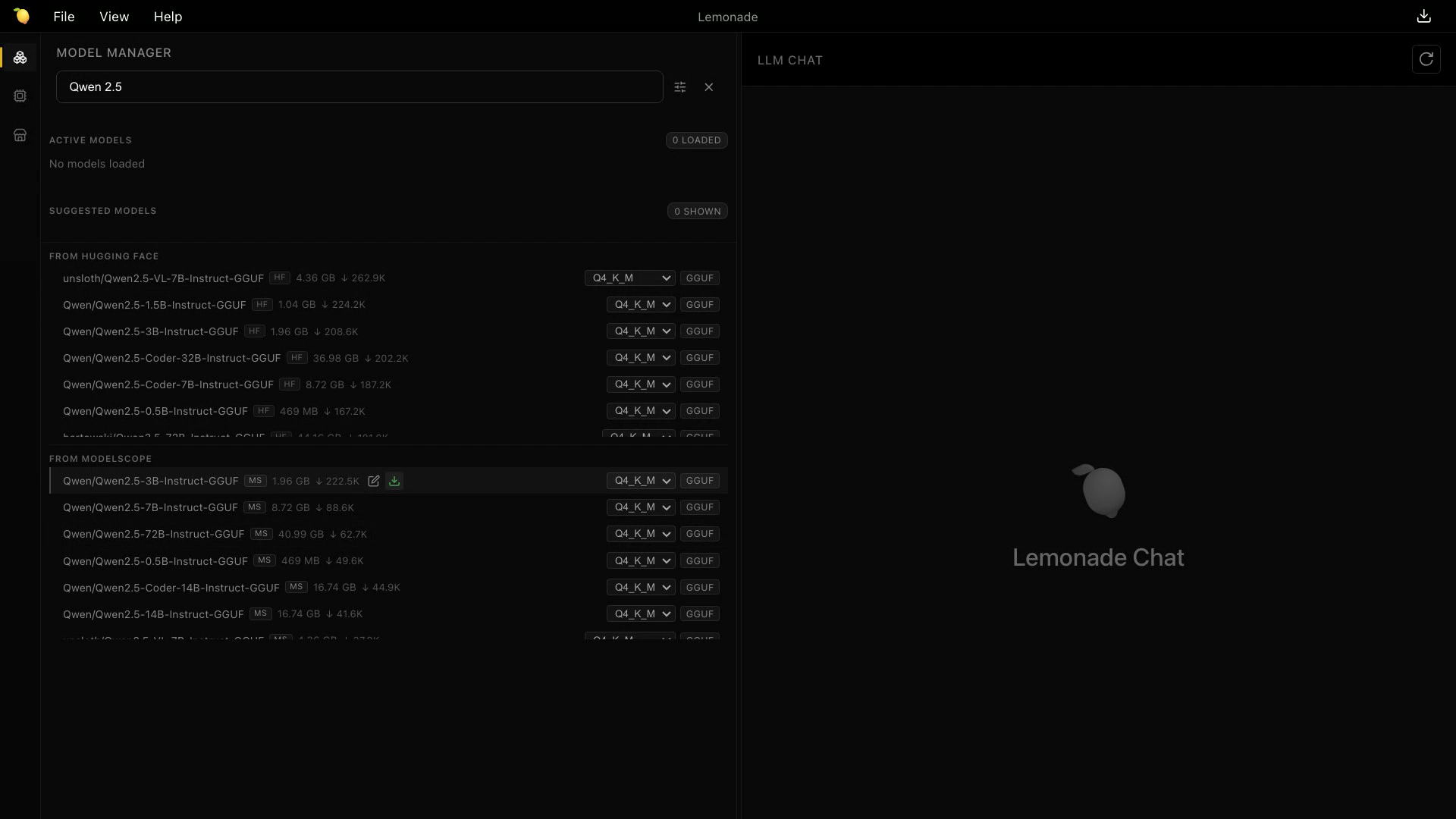
Every result tells you what you're getting before you commit: the repository name, a source badge (MS or HF), the download size, and how many times the community has pulled it. Want a different quantization? Pick one from the dropdown — Q4_K_M is preselected when available. Then click download and watch it go.
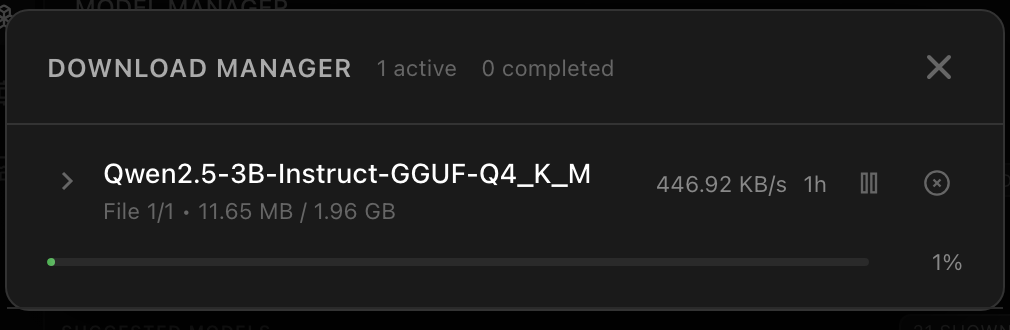
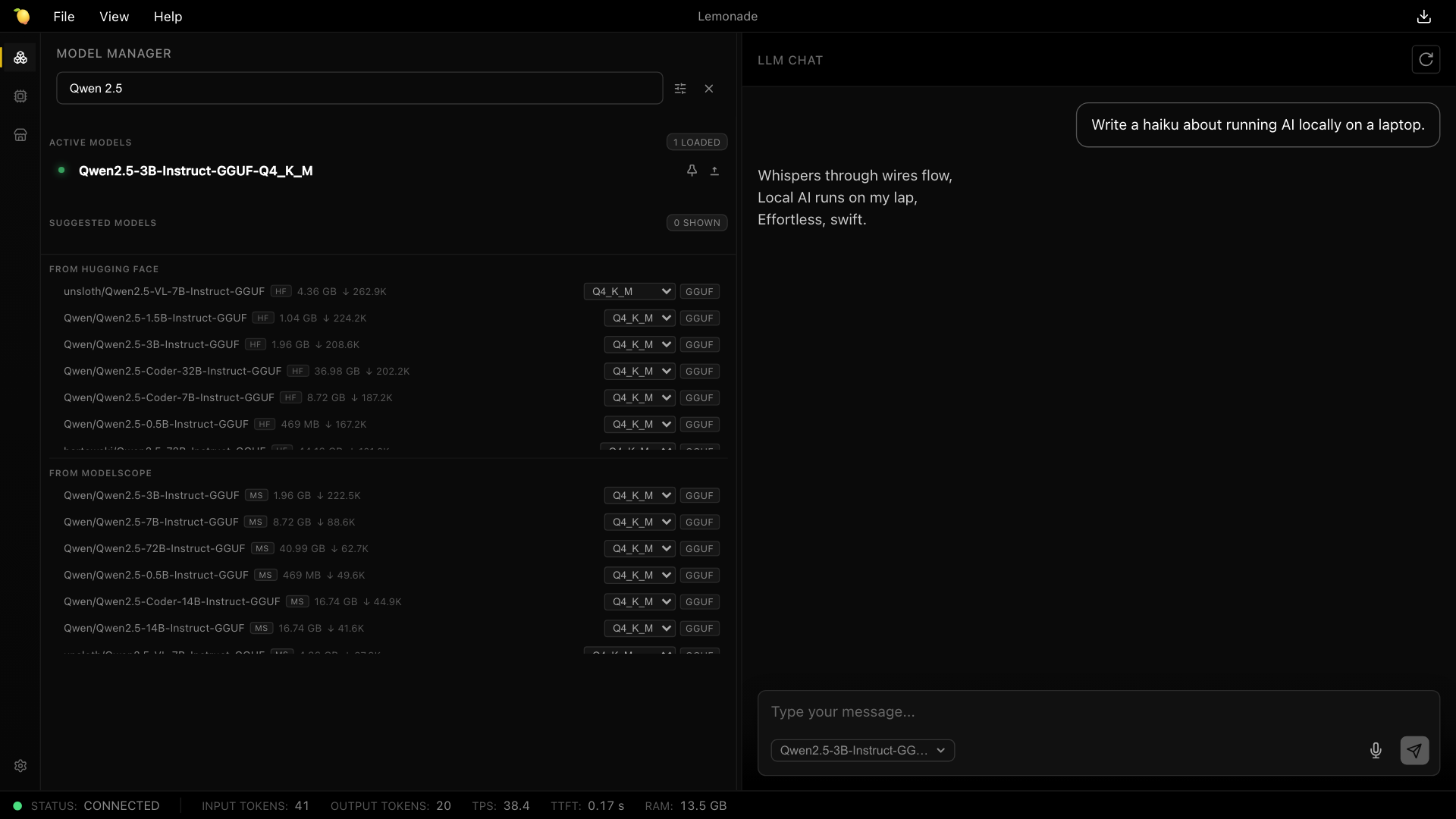
When the download finishes, the model registers itself and is ready to use — select it in the chat panel, point your favorite OpenAI-compatible client at it, whatever you'd do with any other Lemonade model. Where it came from stops mattering the moment it lands on your disk.
Prefer a terminal?
The CLI speaks ModelScope too. Give lemonade pull a checkpoint and tell it where to look — or just paste a modelscope.cn model URL and it figures out the rest.
lemonade pull Qwen/Qwen2.5-3B-Instruct-GGUF --source modelscopeIf you're building on top of the server, the registry search behind the Model Manager is one GET away. It returns candidate repositories — the Model Manager then validates each candidate's file listing with /v1/pull/variants before offering a download.
curl "http://localhost:13305/v1/registry/search?source=modelscope&query=qwen&format=gguf"format=gguf biases results toward GGUF repositories, and limit controls how many come back (1–50, default 12). Responses include tags, task, download counts, and a GGUF hint per model — see the API docs for the full shape.
Go find something new
Update to Lemonade v11.5 and search both registries from one box.